

Facebook fiascos
Social sites require careful workplace navigation
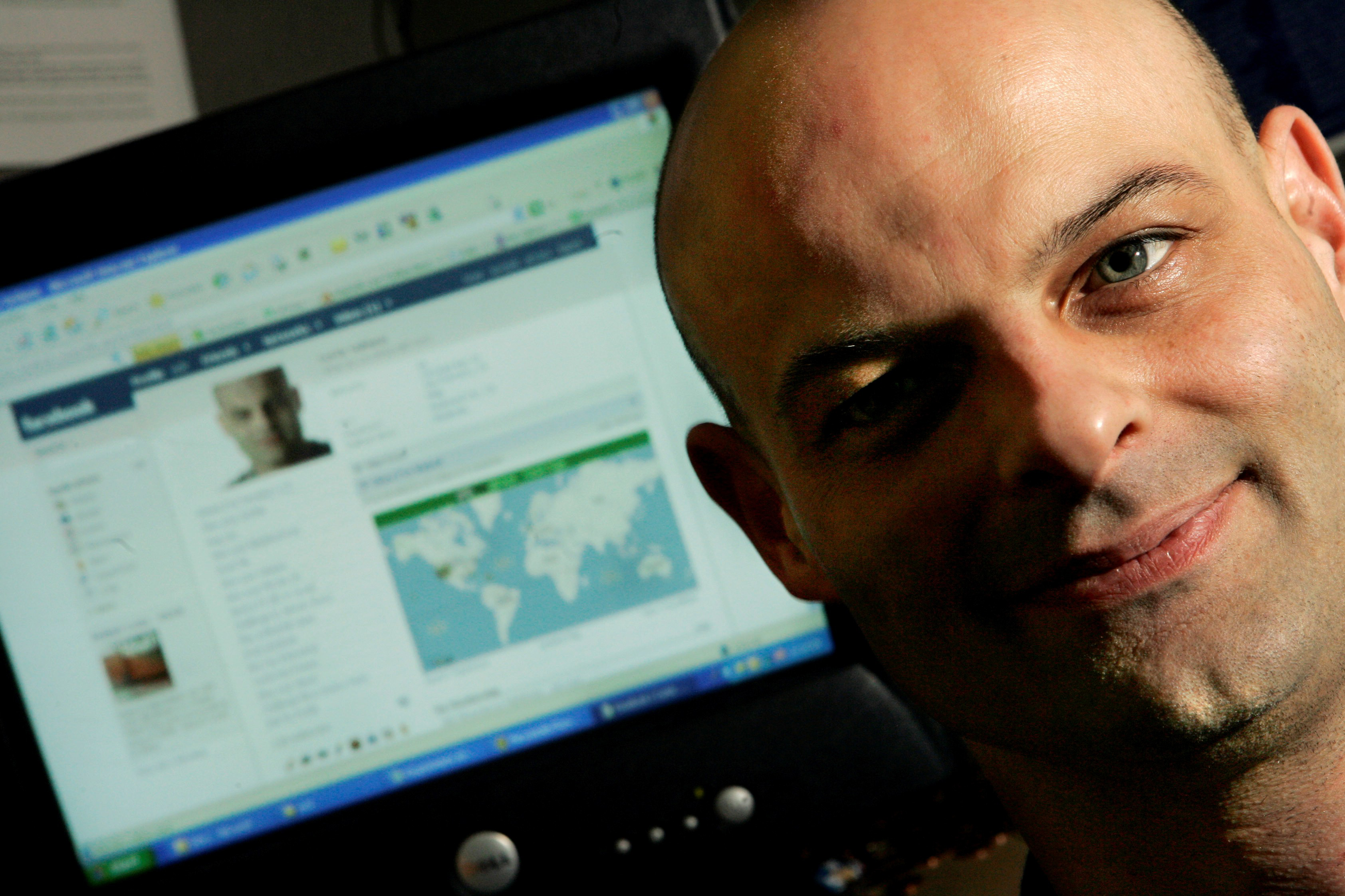
Curtis Soldano, associate producer at Electronic Arts, shows his Facebook page at his cubicle in Redwood City, Calif.
You’ve heard the warnings: Don’t upload photos of yourself drinking directly from tequila bottles. Don’t blog about your mind-numbing job. Don’t post volatile rants – unless you’re looking to offend your boss, upset your mom, maybe even lose a beauty-queen title.
For the average American employee using a social-networking site, though, wild party photos and shocking language probably aren’t the issue. It’s the subtler things: the stuff you’d never want to share with your boss, but – through Facebook or MySpace – unwittingly do. Think embarrassing comments from a maturity-challenged former roommate, goofy pictures from last summer’s vacation, or the time stamp showing you were playing Scrabulous instead of meeting an important deadline.
Online social networking, originally the playground of pre-workforce Americans, is now commonplace in offices across the country. How do we navigate this new landscape, which builds business contacts and feeds friendships even as it creates a collision between the personal and the professional?
Ignoring these sites isn’t an option. MySpace, LinkedIn, Friendster, Facebook, even niche sites like Digital Rodeo – the list continues to grow. More than half of Facebook’s users are now outside college, and the company says people 25 and older are the fastest-growing group on its site.
Opting out could brand you as unenlightened, and signing up but refusing “friend” requests from co-workers or your boss is an uncomfortable solution. Rejection’s ill will could even trump the fallout from embarrassing photos.
Like company picnics or after-work drinks, the trick is balancing what happens tonight with what you face in the morning.
“Exercise caution,” says Sue Murphy, an executive vice president at the National Human Resources Association. “Once you allow someone in, they can link up with the other individuals you have listed as friends.”
Sound perilous? Fortunately, there are ways to minimize the risk to your professional image:
¢ Keep your public pages as career-focused as possible.
Occasional banter is fine. But think before you post: “Would you put this up in your cube or in a common area where you work? If not, don’t put it on Facebook, because that’s what it is – a virtual analog of your office,” says Curtis Soldano, a videogame producer from Redwood City, Calif., who has used several social-networking sites.
¢ Murphy suggests two separate pages, one professional and one personal. As acquaintances ask to link with you, direct them to the proper page. For extra security, choose a personal page that can be password-protected, such as a Typepad blog. Don’t have time to manage several pages? Consider using drop.io, a free site for privately sharing files or messages, when you want to share anything sensitive.
¢ Choose your “friends” wisely, and ask that they treat your page with care.
Your posts may be pristine, but that doesn’t keep friends from adding embarrassing comments or linking you to provocative content. Facebook is usually set to alert everyone on your “friends” list when someone writes on the public “wall” of your page.
¢ Choose wisely about how much time to spend signed on.
Using Facebook’s “stay logged in” feature can be fun and convenient. But co-workers who see you perpetually signed on may assume you’re killing time searching for friends and chatting. Posts are time-stamped, so it’s easy for people to calculate your time online.